

What are the Benefits of Fibre Optic Cabling?
There is a popular saying that the only thing that is constant is change. This means that every person and corporate organization must be open to changes.
There is a long list of companies that have gone into obscurity because they refused to adopt new and convenient strategies that were introduced in their space.
One of the ways to avoid this, especially given today’s realities, is by maximizing digital presence. To do this effectively, you should be aware of the latest trends and what they have to offer. The moment you realize the trend is worth it, take timely action to implement it.
In this article, we will be looking at the benefits of choosing fibre optic cables over other alternatives. Before we go ahead and just in case you are new to the whole idea, let us start by explaining what fibre optic cabling is.
What Is Fibre Optic Cabling?
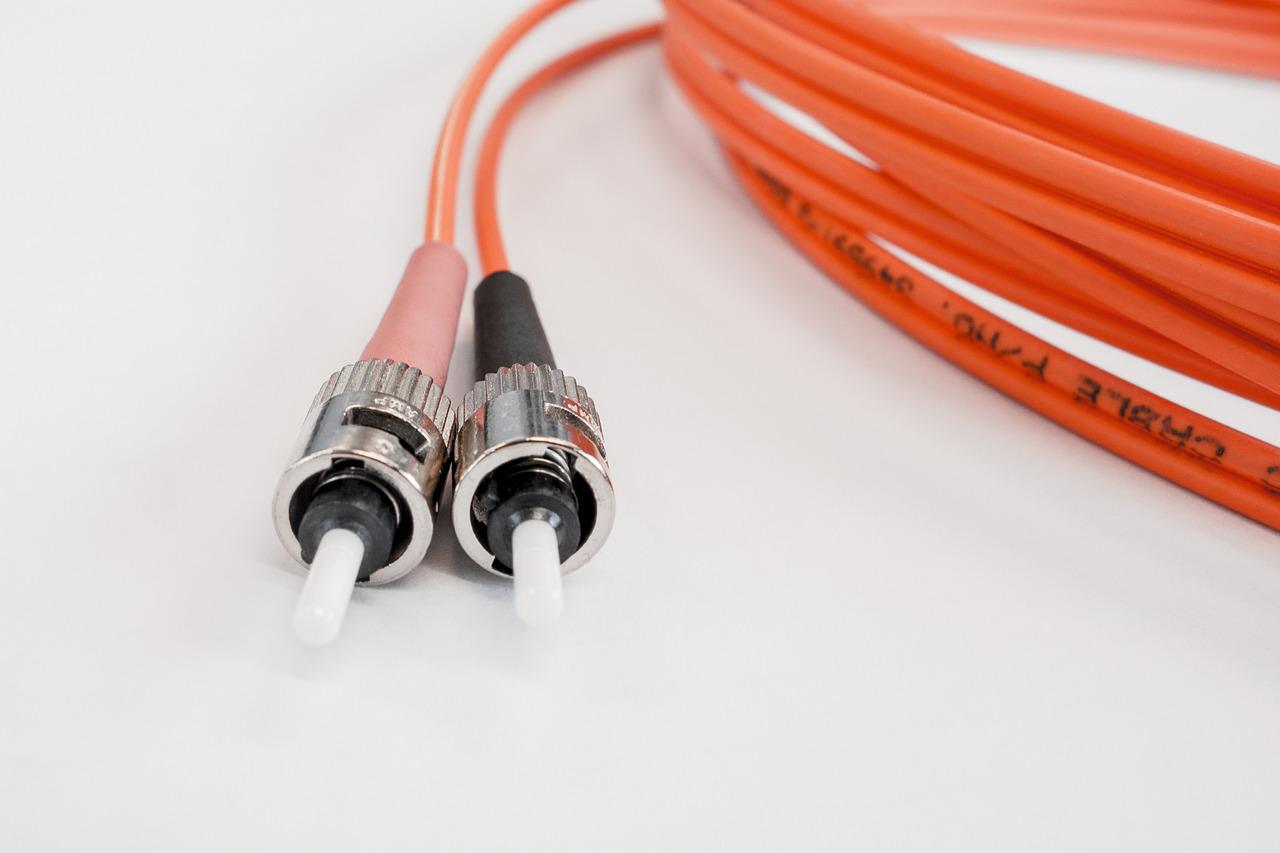
To operate effectively, this network cabling technique makes use of a principle called total internal reflection. Acting as a light waveguide, fibre optic cabling consist of glass layers that are tiny and well able to move across long distances. For more on the subject, you can read this article here: https://www.explainthatstuff.com/fiberoptics.html.
This technology makes use of glass in two layers. One of them is called “core”. The core is important and defines the kind of fibre optic cable being used since there are 2 kinds available.
The two kinds available are the SMF and MMF options. SMF is the shortened form of Single-Mode Fibre while MMF means Multi-Mode Fibre. The major difference between both options is the usage of the layer known as the core.
The MMF variety engages a wider core which allows for multiple light rays to operate. SMF is more limited in this regard.
Now that you have an idea of how this cabling system works, what are the benefits that come with?
Before we address this, it’s important to know that the two kinds of fibre optic cabling have some peculiarities. As a result, there are some peculiar advantages and disadvantages that come with using each one. Haven established that, let us move on to the general advantages.
Benefits of Fibre Optic Cabling
When compared specifically against the copper wire option, the benefits of fibre optic cabling include the following:
Impressive Speed
This is one of the high points of using this option. Compared to copper wire, it offers a much faster data transfer speed. But how does it do this?
The core of the cables transmits data through light. Let us stress a little more about how fast the signals are. The average speed of light is only about 31 percent faster than the signals.
That is pretty impressive if you know what that means. Compared to the average cat 6 patch cables and Cat5 copper cables, this is way better.
Signals Reach Farther
Another reason you should seriously consider this option is the distance it can cover. At best, the copper cables can travel no more than 328 feet.
Well, this is very restrictive when compared to what this option can do. It can reach more distances with an impressive network.
For instance, despite the restriction of using a single-mode Fibre, some can extend signals to places beyond 20 miles. Once again, this is pretty impressive to say the least. The distance that can be covered is determined by the kind of cable used, as well as the network and wavelength.
Larger Bandwidth
Some people or organizations need more data than the average. For such, copper cables can be a nightmare. Why is this?
Originally, copper cables were not designed for this purpose. As a result, they can be very deficient in meeting such needs.
However, with this cable alternative, you have more bandwidth, making the transmission of large amounts of data easier and more convenient. To understand more about the importance of bandwidth, you can check this article here.
Build for the Immediate Future
Like it or not, copper cable patterns are running out of relevance. This is considering the convenience and enormous benefits that fibre optic cabling offers.
As an added advantage, fibre optic cabling can meet the needs of the immediate future. With the frequent changes and modifications in technology and ICT, there is a need for something that can adapt easily.
With the aid of media converters for instance, you can install fibre on existing networks. This and many more examples prove the ability of this cabling system to adapt to new trends as they emerge.
It Is More Reliable
Copper cables are not so good at dealing with severe weather conditions. In extreme situations, this can spell disaster, requiring some intervention.
Well, with this alternative, you have stability and reliability at your beck and call. Essentially, these cables are not negatively affected by changes in temperature.
So, come rain come shine, you have a reliable and uninterrupted network, something that may be a luxury for users of the copper cable. But how are fibre optic cables able to perform regardless of such weather conditions?
Well, unlike copper cables, this option does not transmit electric currents. As a result, it is immune to interference that can hamper the appropriate transmission of data.
It Is Safer
As an addition to it being electromagnetic interference proof, this option is safer to use. With it, you have no worries about a fire starting.
This is a hazard that is possible with copper cables. When they become old and worn out, the chances of such outbreaks are high.
Durable and Easy to Install
Talking about weight, copper cables are not fun to deal with. It can be very heavy and hard, making its installation a lot more difficult.
Well, it only becomes better with fibre cables. They are lighter, thinner, durable, and easy to install. What more can we ask for? This is in addition to its better signals and data transmission.
Fibre Optic Cable – Worth Every Cent on the Dollar
You should not be fooled by the initial cost. Usually, this option would cost higher than copper cable installation.
However, as time goes on, you will realize that it is cheaper and easier to maintain. In every sense of the word, it offers value for money. There are a handful of ICT companies that offer great network cabling services and you should make the most of them.
Conclusion
In this article, we have looked at the benefits of fibre optic cable especially compared to copper cables.
Many individuals and corporate organizations can leverage the benefits that this option offers. It is especially beneficial for people in the medical line, ICT professionals, and any other industry that is heavily dependent on data transfer.

 Daily Bulletin


